
Fake You
Entertainment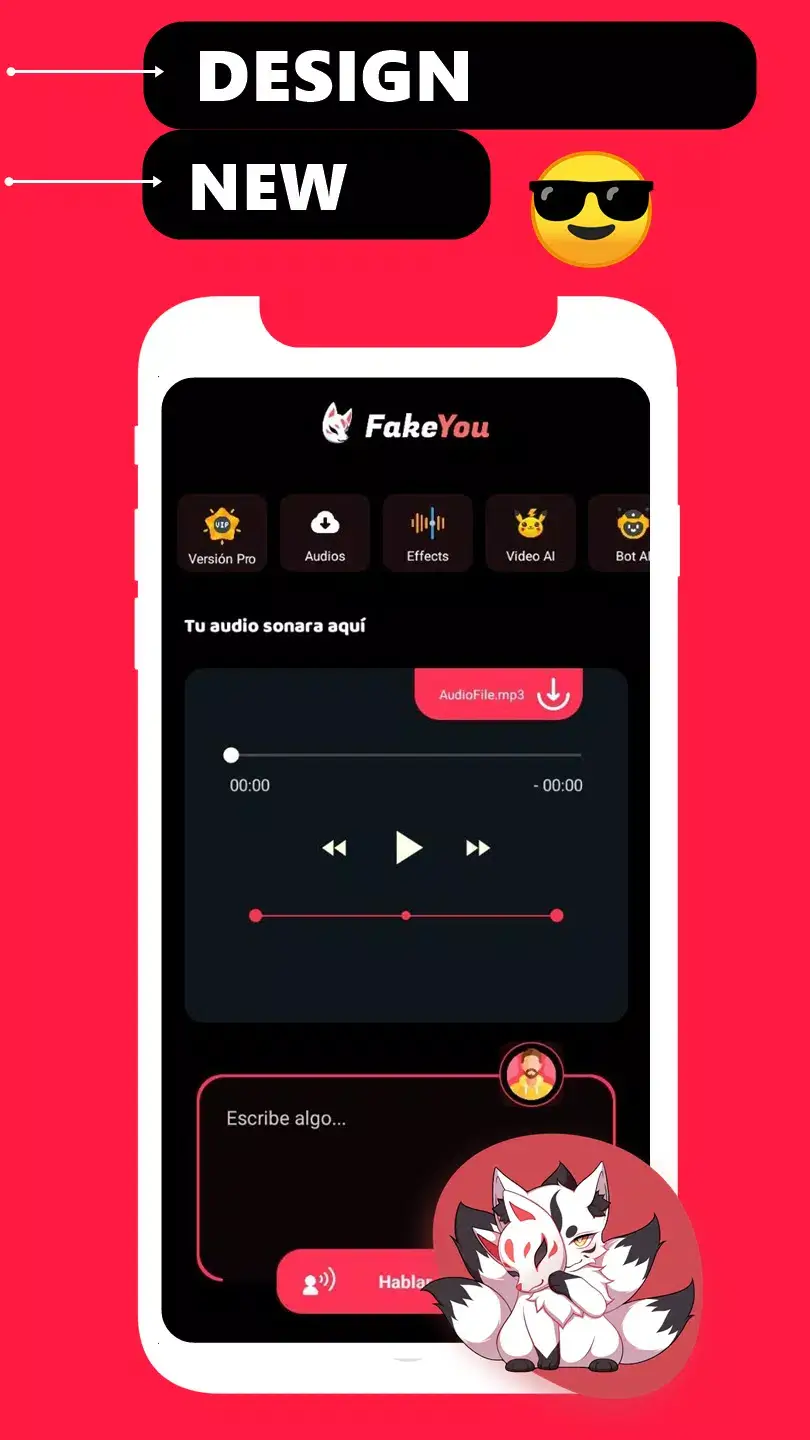
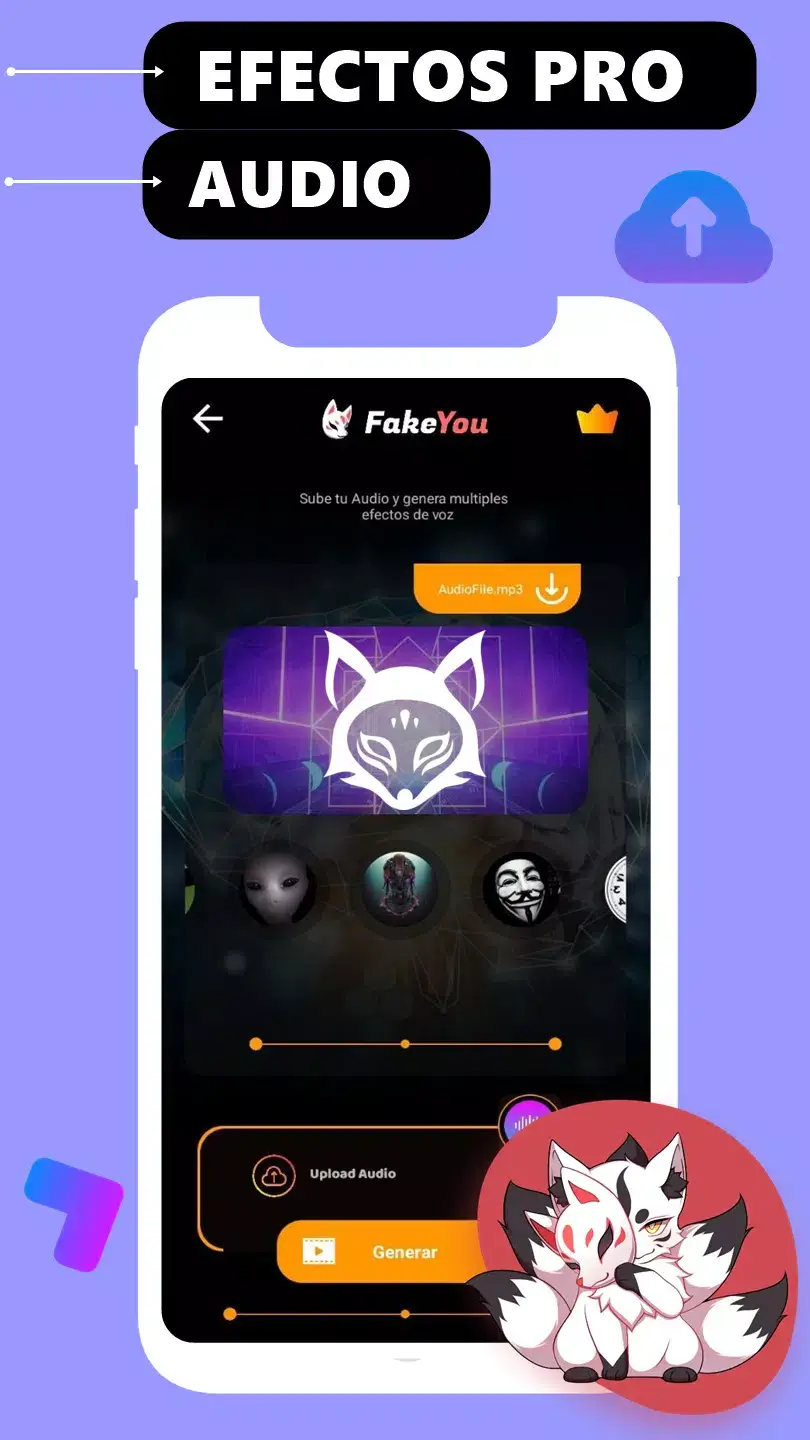
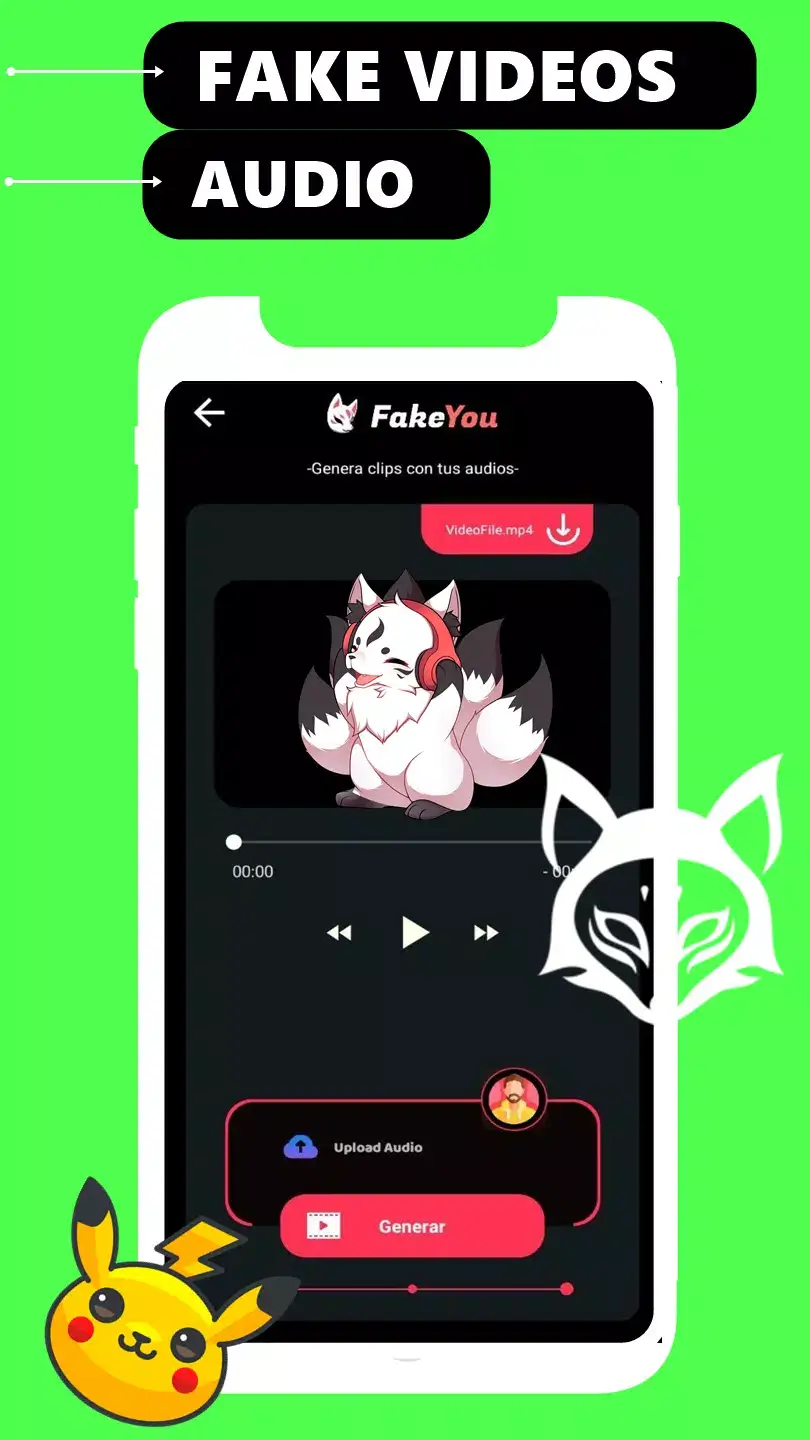
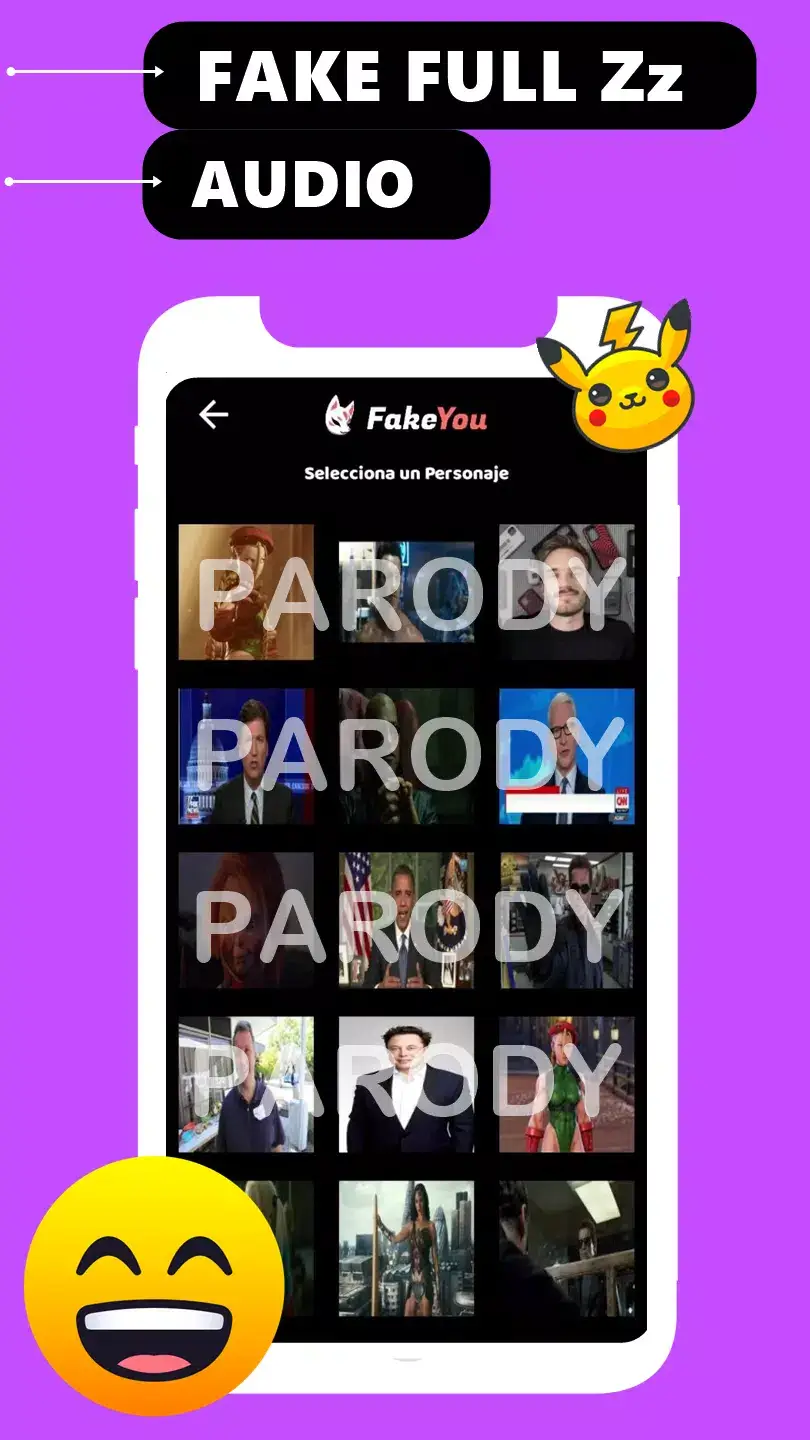
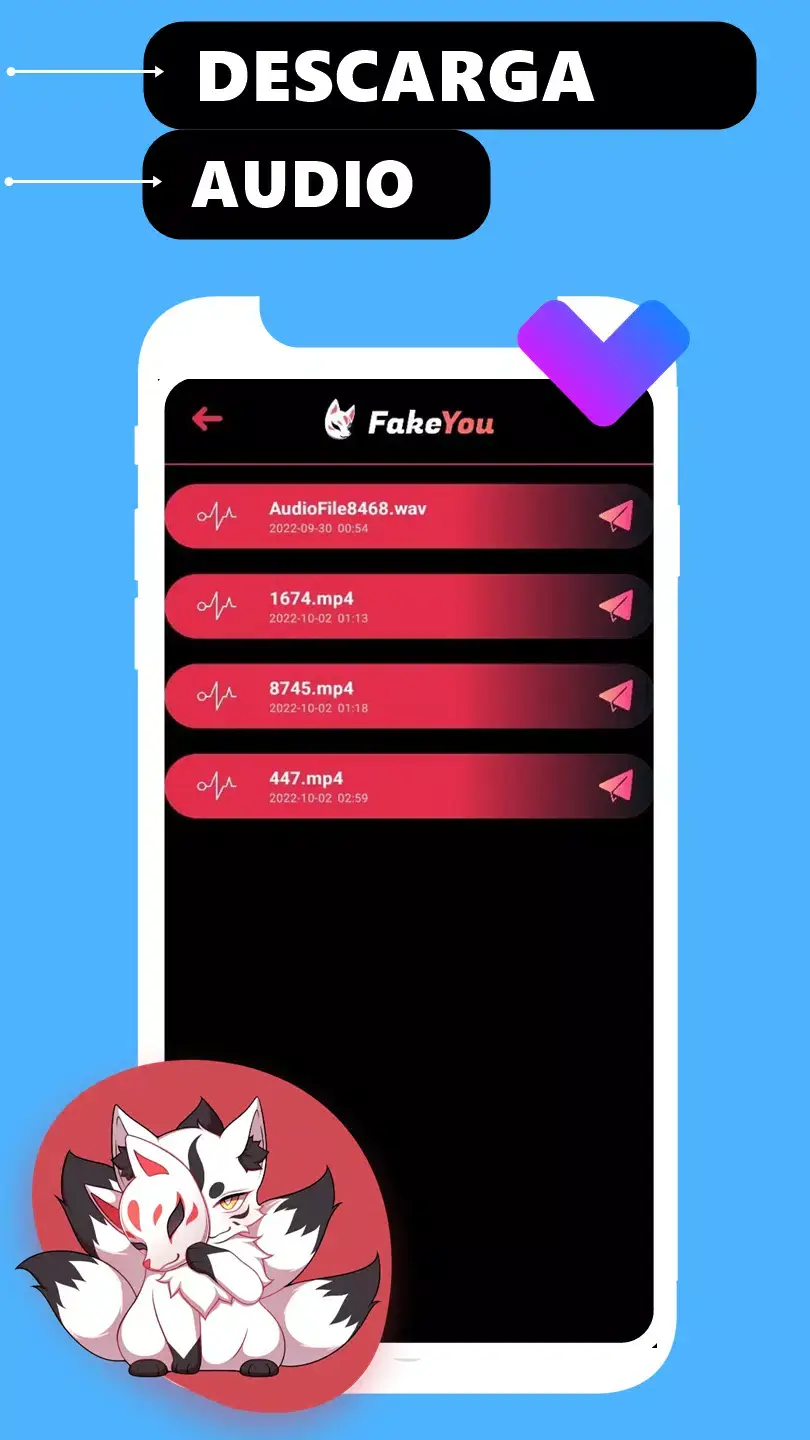

Fake You is an Android application that lets you generate spoken audio from typed text using artificial intelligence. It offers a large library of voice models, so you can experiment with different tones, accents, and character voices directly on your phone.
This page provides the latest version details, a step‑by‑step installation guide, common troubleshooting tips, and safety considerations. Whether you want to create funny memes, add narration to videos, or simply play with AI voices, Fake You aims to make the process quick and accessible.
Quick Information
| App/Game Name | Fake You |
| Latest Version | 21.5.8 |
| Developer | Not listed |
| Category | Apps / Entertainment |
| App Size | 57.46 MB |
| Package Name | com.headbreyz.hear.fakeyou |
| Last Updated | 9 January 2026 |
What Is Fake You?
Fake You is an AI‑driven text‑to‑speech (TTS) app that converts written words into spoken audio. The core features include:
- Access to thousands of pre‑made voice models covering various languages, genders, and styles.
- Simple interface: type your text, select a voice, and generate audio with one tap.
- Shareable output – you can save the generated clip or share it directly to messaging apps.
The app is intended for casual creators, social media enthusiasts, and anyone curious about AI voice synthesis. It does not require a premium subscription, but some voice models may be limited to online access.
Compatibility
| Android Version | Not Verified |
| Architecture (ARM64 / 32-bit) | Not Verified |
| Internet Connection | ✓ Verified — May be required for ads, updates, or login |
| Storage Needed | Not Verified |
| OBB/Data Files | Not Verified |
| Root Required | Not Verified |
How to Install
- Enable installations from unknown sources in your device settings (usually under Security or Privacy).
- Download the Fake You APK file to your device.
- Open the downloaded file and follow the on‑screen prompts to install.
- Once installed, launch the app and grant any requested permissions (e.g., storage for saving audio files).
- Start typing text, pick a voice, and tap the generate button.
Troubleshooting
- App not installed: Ensure the APK is complete and not corrupted. Re‑download if the file size differs from the listed 57.46 MB.
- Crashes on launch: Verify that your device runs Android 6.0 or higher. Clear app data or reinstall if the issue persists.
- Generated audio is silent or garbled: Check your internet connection; the AI processing occurs online for most voice models.
- Permissions denied: Grant storage permission in Settings → Apps → Fake You → Permissions.
Safety & Security
Fake You is distributed as a standard APK, not a modified build. As with any third‑party app, download it from a reputable source and scan the file with an antivirus program before installing. Review the permissions the app requests; it typically needs storage access for saving audio files. Because the app relies on online voice models, avoid entering personal or sensitive information within the app.
How Fake You Compares
| Feature | Fake You | Voicemod | Narrator’s Voice |
|---|---|---|---|
| Price / Model | Free (ads, optional in‑app purchases) | Free tier + paid premium | Free with ads, premium unlock |
| Platform | Android only | Android, iOS, Windows | Android, iOS |
| Voice Library Size | Thousands of AI‑generated models | Hundreds of real‑time effect presets | Dozens of pre‑set voices |
| Best For | Quick AI TTS experiments and meme creation | Live voice changing during gaming or streaming | Creating narrated videos or podcasts |
Alternatives
- Voicemod – Real‑time voice changer with a large effect library, suitable for gamers and streamers.
- Narrator’s Voice – Focuses on high‑quality TTS for video narration, offering multiple language options.
- Voice Changer Plus – Simple Android app with basic pitch and speed adjustments, ideal for casual fun.
Final Verdict
Fake You provides a straightforward way to experiment with AI‑generated voices on Android without a steep learning curve. It’s best for users who want quick TTS results for social media or personal projects. The app’s reliance on online voice models means a stable internet connection is essential, and the free version includes ads. Verify the APK’s integrity before installing, and you’ll have a handy tool for voice‑based creativity.
Frequently Asked Questions
The APK is not a modified build, but always download it from a trusted source and scan it with antivirus software before installing.
Fake You works on Android 6.0 (Marshmallow) and newer.
Yes, most voice models are processed online, so a stable connection is needed for generating speech.
The free version includes ads; an optional in‑app purchase may remove them, but this is not required for basic use.
After creating a clip, you can save it to your device or use the share button to send it directly to messaging or social apps.
If you already have the Play Store version, installing the APK will replace it. You can uninstall the app later to revert.